How to Order Fish on Relifish: Same-Day or Pre-Order, Step by Step
Relifish is a marketplace where you order fish online directly from local fish sellers. Each seller lists the fish they have that day and sets their own prices. You order same-day while the seller is open, or pre-order tonight for tomorrow. The seller then delivers to you or keeps your order ready for pickup.
This guide covers the whole flow, from finding a seller to getting a refund if something goes wrong.
Where you can order today
Sellers on Relifish currently serve parts of Thane West, Tardeo (South Mumbai) and Kamothe (Navi Mumbai). Each seller sets their own delivery radius, so whether a seller delivers to you depends on your exact location.
Step 1: Set your location
Open relifish.com/shop and allow location, or pick your area. You will see the sellers who can deliver to you or who you can collect from.
Step 2: Log in with your mobile number
Log in with your mobile number and a one-time code (OTP). There is no password. You need to be logged in to see each seller’s live prices, because prices change daily.
Step 3: Choose same-day or pre-order
Every seller page shows one of three states:
| What you see | What it means |
|---|---|
| Open | The seller is open now. You order from what they have in stock today. |
| Pre-order | The seller is taking orders for tomorrow. You order before their cutoff (shown on their page). |
| Closed | Not taking orders right now. The page shows when they open next. |
Pre-order prices are a range (for example, a low and a high price per kg), because the final price depends on the next day’s stock. You pay the top of the range when you order. Once the seller sets the final price, any difference is refunded to you.
Step 4: Pick delivery or pickup
Some sellers deliver, some offer pickup, and many do both. If the seller delivers, their delivery fee is shown before you pay. Some sellers waive it above an order amount they set. Sellers also set their own minimum order, which is shown at checkout.
Step 5: Pay online
You pay online through Razorpay (UPI, card or netbanking) when you place the order. The seller gets your order only after the payment goes through.
Step 6: Tell the seller how you want it cut
After you pay, you can choose how each fish is prepared: whole, cleaned, or cut (for example curry pieces or steaks), and add a note for the seller.
Step 7: Track the order
You can follow your order on its tracking page:
- Paid: your payment has gone through.
- Confirmed: the seller has accepted the order.
- Out for delivery or Ready for pickup.
- Completed.
If the seller can’t fill your order
- If the seller declines the order, you get a full refund.
- If you cancel before the seller confirms, you get a full refund.
- For pre-orders, if the final price is lower than what you paid, the difference is refunded.
Refunds go back to your original payment method, usually within 5 to 7 working days.
How to check fish is fresh when it arrives
- Eyes: clear and full, not cloudy or sunken.
- Gills: bright red or pink, not brown or grey.
- Flesh: firm, and springs back when pressed.
- Smell: clean and of the sea, not sour or of ammonia.
If something is wrong with your order, message us on WhatsApp at 9152207607 (7:30 AM to 9 PM) or email relifishstore@gmail.com.
Questions people ask
Do I need an app? No. Relifish works in your phone’s browser at relifish.com.
Does Relifish deliver the fish? No. The seller delivers, or keeps your order ready for pickup. Relifish is the marketplace that connects you.
Does Relifish add a markup? No. You pay the seller’s own price. Relifish charges sellers 0% commission.
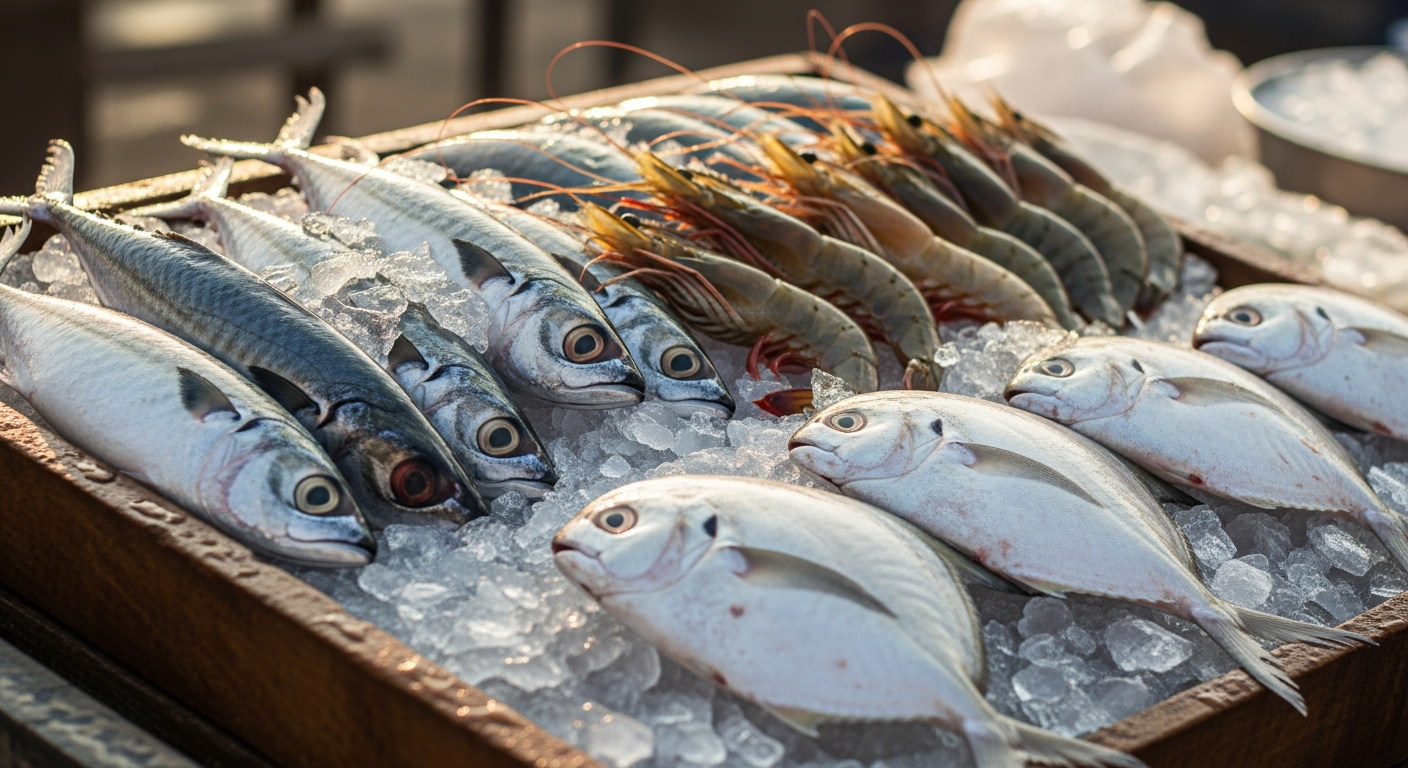
Which fish can I order? It depends on what each seller lists that day. Sellers commonly list pomfret, surmai, bangda, prawns, rawas and bombil. See surmai, pomfret and prawns to compare sellers.
Share this article: